Work / Squish
Case 07 / 09 · SaaS · Side project · LiveSquish
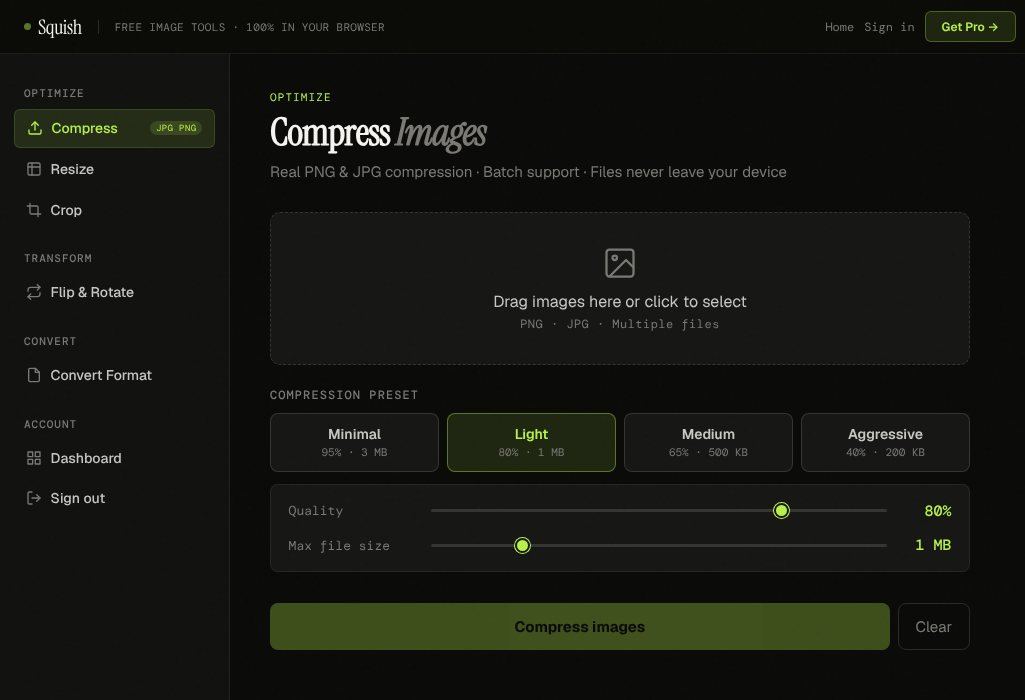
A browser-based image tool I designed, built with AI and launched with accounts and subscriptions.
- Type
- Side project · Live
- Sector
- SaaS · Image tools
- My role
- Product designer and builder
- Year
- 2026
- Platform
- Web app for desktop and mobile
- Stack
- Supabase, Stripe, Netlify, AI-assisted code
01Context
A tool I needed every day.
Campaign work means exporting the same image in many sizes and under strict file-size limits. Most online tools upload your files to their servers, cap what you can do and fill the page with ads.
Squish resizes, compresses, crops, rotates and converts images right in the browser: the files never leave your device.
02The challenge
From a script to a product.
A tool for myself only needs to work. A product needs a landing that explains it, accounts, usage limits, plans, payments, emails and an admin panel.
And all of it had to keep the promise of privacy: no images on a server, ever.
03Process
Idea to launch, end to end.
- Visitor01Landing
What it does, why it is private, and the plans.
- User02Sign up / sign in
Email accounts with branded emails and password reset.
- User03Drop images
Several at once, processed locally.
- User04Pick a preset
Common sizes for social and ads, or custom dimensions.
- User05Set a max size
Compress to a target file size instead of guessing the quality.
- User06Download
One file or a zip.
- User07Upgrade
Pro and Team plans with Stripe checkout and a billing portal.
- Admin08Manage
Users, plans and monthly usage in an admin panel.
04The solution
Key screens.
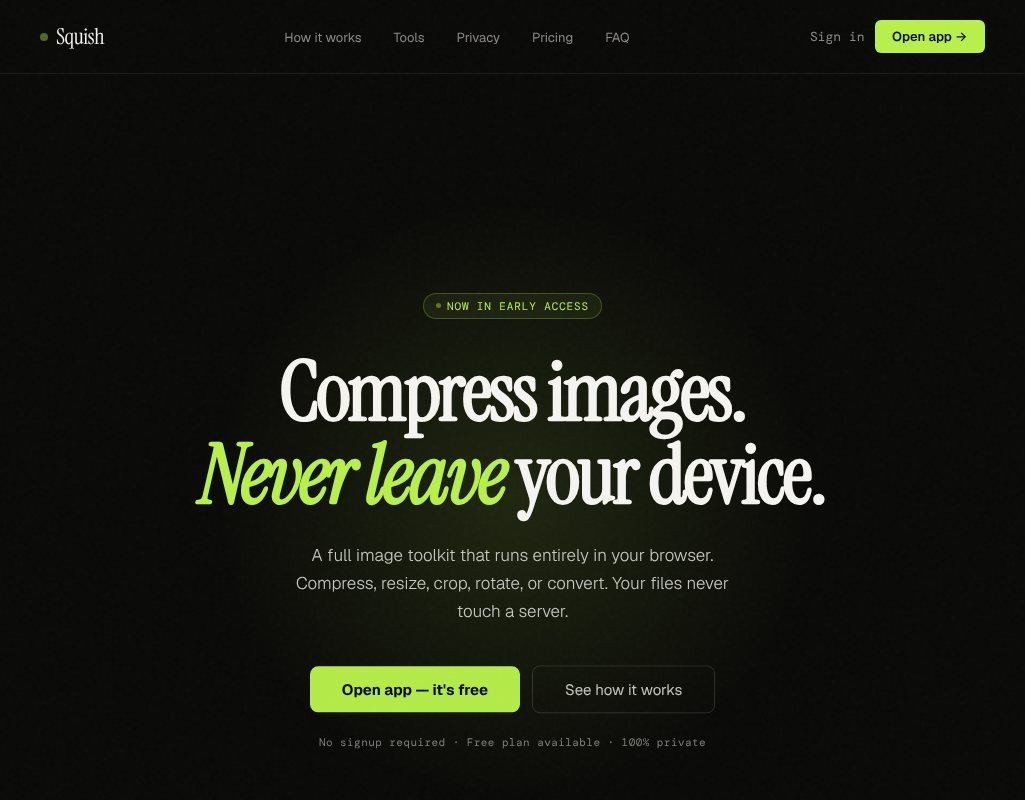
The promise first: your images never leave your device.
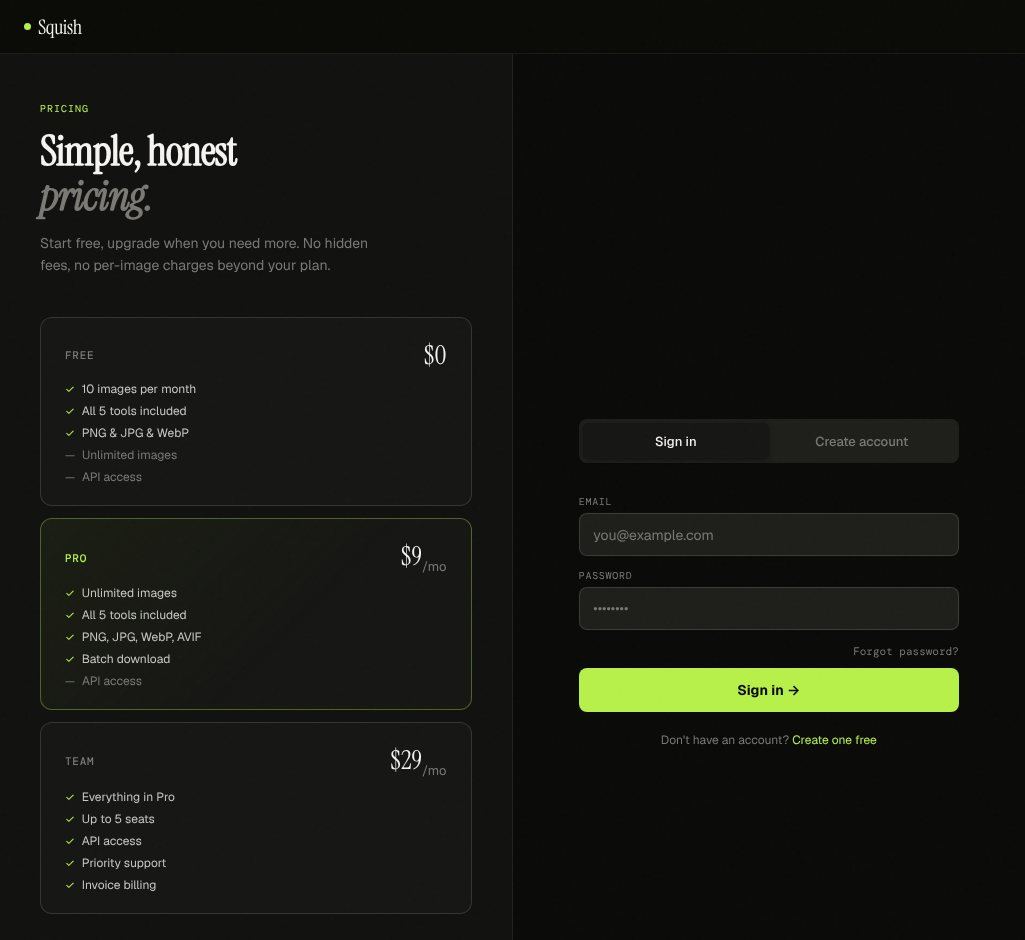
Sign up, sign in and reset, with the same voice as the landing.
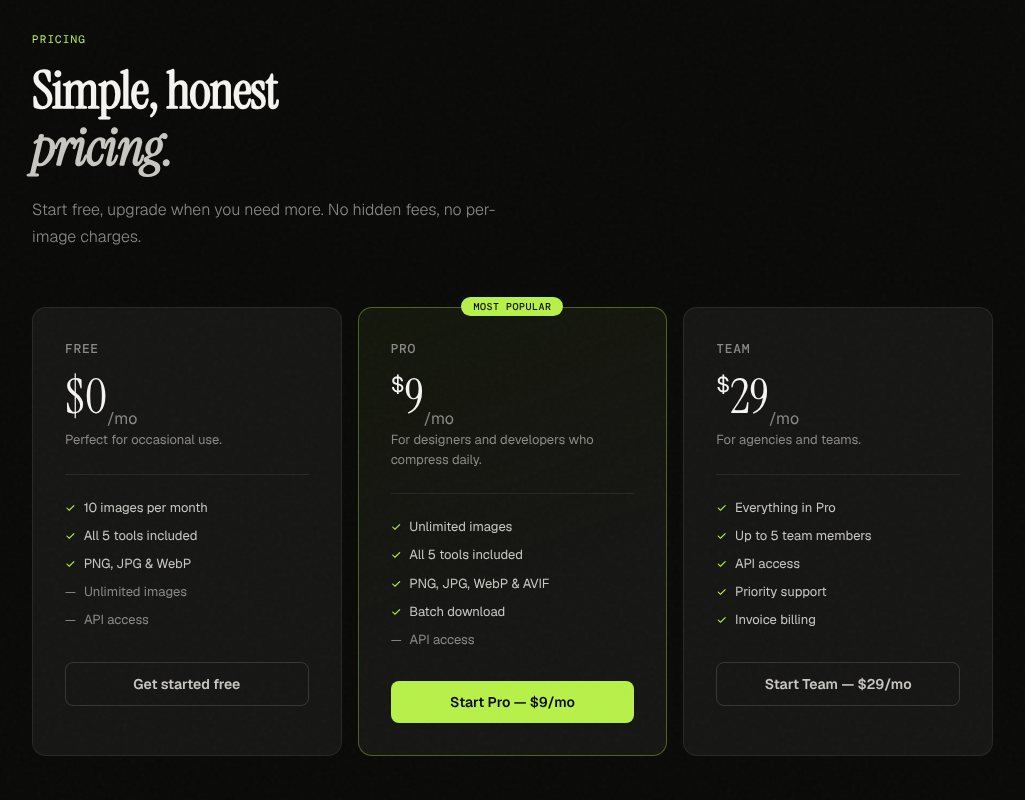
Free, Pro and Team, with limits written in plain words.
05My role
Designer, PM and builder.
- ProductDefined the scope, plans and limits.
- DesignBrand, landing, app UI and emails.
- BuildCoded it with AI as my engineering partner.
- OperationsStripe, Supabase and Netlify set up and running.
06Results
Shipped, and in use.
07What improved
Before and after.
Building it changed how I design.
Shipping it myself made me think about states, limits and errors from the first wireframe, not at handoff.
AgTech · Livestock traceability
→