Work / Greygen
Case 08 / 09 · AgTech · Livestock traceabilityGreygen
A livestock management app that gives every animal a traceable digital identity, from birth to sale.
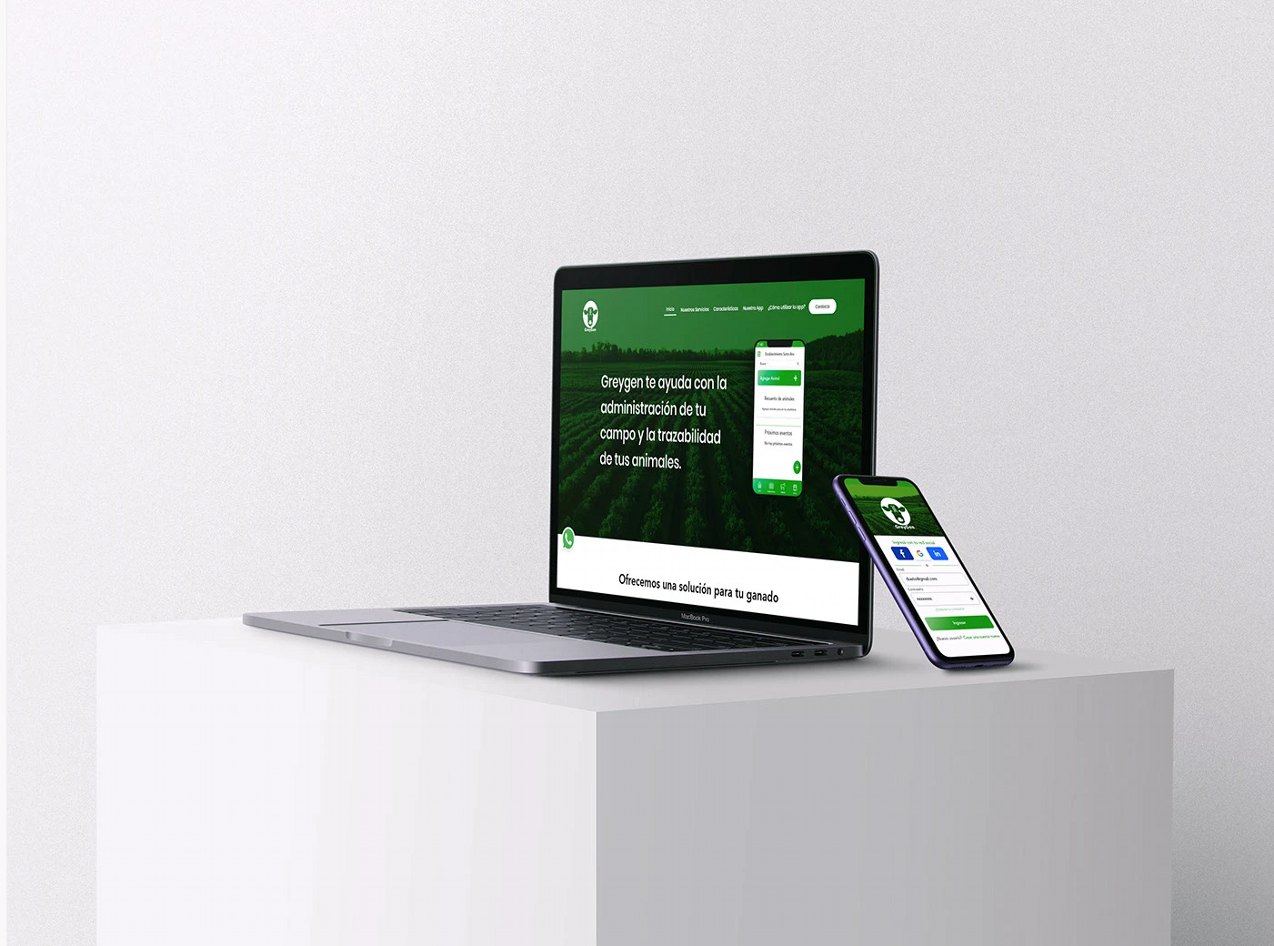
- Client
- Greygen · Córdoba, AR (startup)
- Sector
- AgTech · Livestock traceability
- My role
- UX/UI Designer
- Year
- 2021 – 2022
- Platform
- Responsive web app and landing page
- Tools
- Adobe XD, Illustrator, Bootstrap Studio
01Context
A token for every animal.
Greygen identifies each animal with a QR tag that also stores a DNA sample, and keeps its whole history: birth, mother and father, weights, vaccines, movements between lots and, finally, the sale.
The founders came with deep knowledge of the field and a long document of rules. My job was to turn it into an app ranch workers could use with one hand.
02The challenge
Real life on a ranch doesn't fit a form.
A calf is born before it has an ear tag, a horse has a name instead of a number, the category of an animal changes with its age, and every event needs a date.
The app had to accept incomplete data in the field and complete it later, on a phone with bad signal.
03Process
From the field document to an animal record.
- Owner01Register the farm
Establishment, purpose, size and its official ID.
- Worker02Add an animal
Birth, purchase or transfer, each with its own starting data.
- Worker03Scan the QR tag
Identify the animal now or later.
- Worker04Photo & DNA
Captured at registration or on a later visit.
- Platform05Provisional identity
A calf without a tag is saved as “calf of A248”, linked to its mother.
- Worker06Log events
Weights, vaccines, treatments and lot changes, each with a date.
- Platform07Automatic categories
Calf, heifer, cow, steer or bull, updated by age and events.
- Owner08Stats & upcoming events
Animal count and what is due next.
04The solution
Key screens.
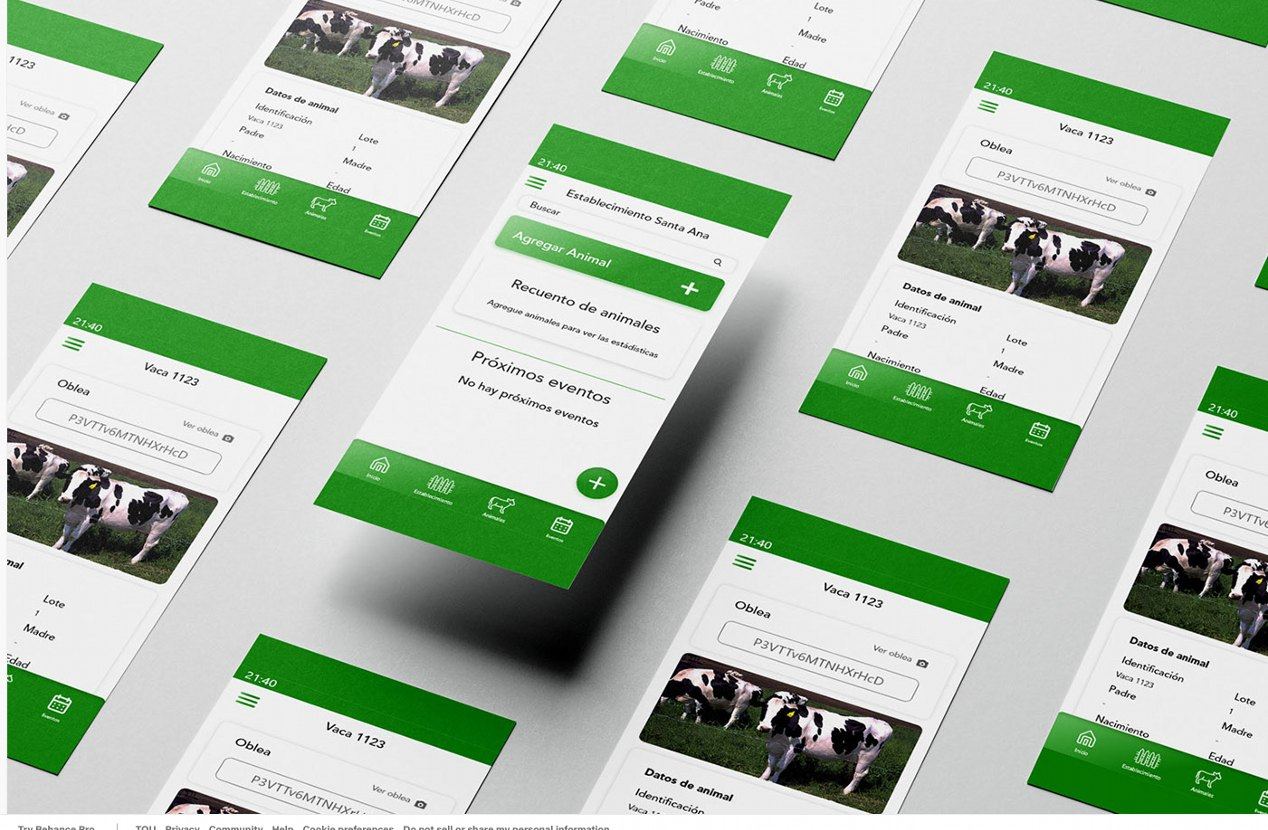
One big action on the home, add an animal, and a record that puts the QR tag and the photo first.
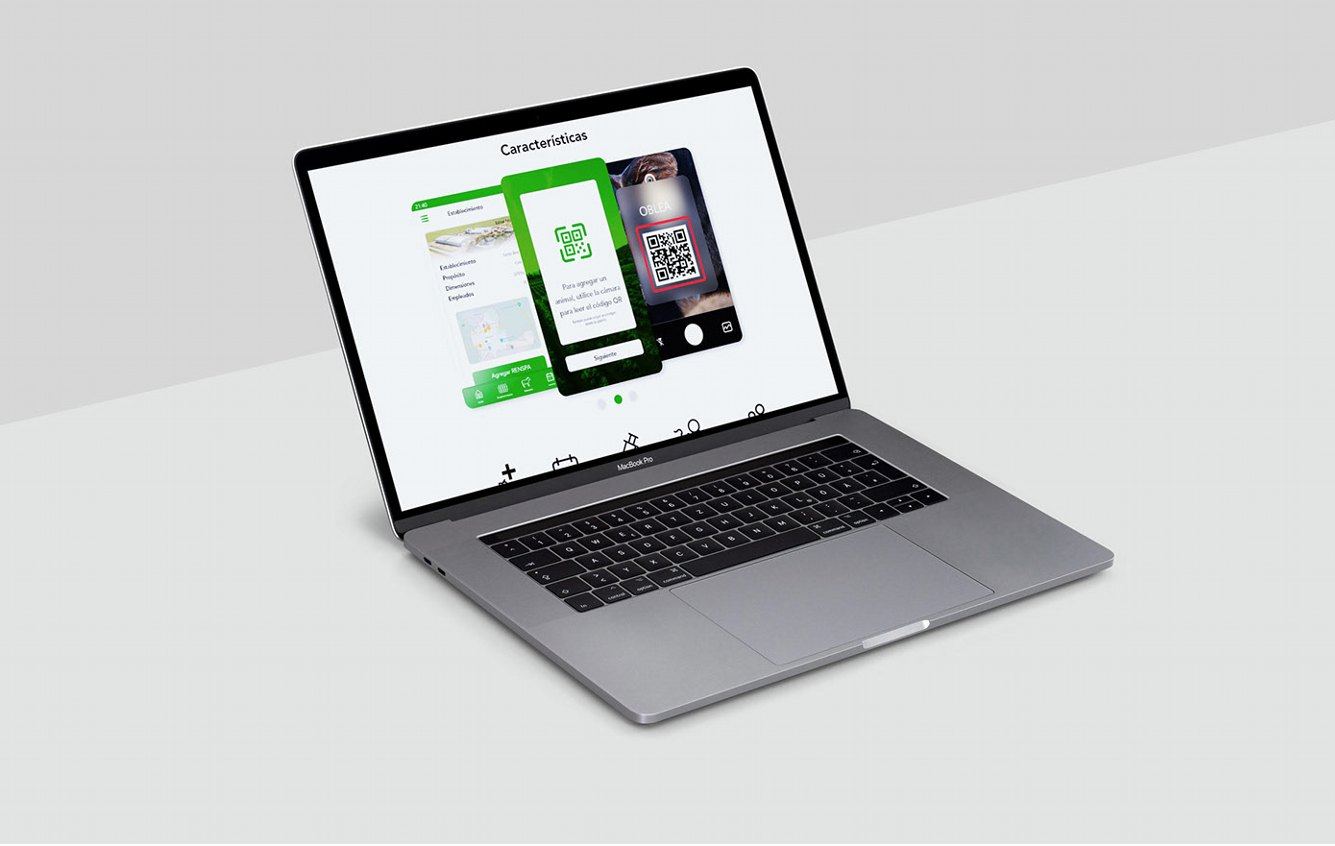
The landing explains the QR tag in three screens, the same ones the worker sees in the app.
05My role
Turning a rulebook into an app.
- Information architectureTranslated the founders' rules into entities, states and events.
- UX/UIResponsive app designed mobile-first in Adobe XD.
- Landing pageBrand presence and the landing to present the project.
- Weekly reviewsPresented progress to the founders every week for five months.
06Results
A clear model for the MVP.
07What improved
Before and after.
Design for incomplete data.
In the field, information arrives in pieces. Allowing a grey, incomplete record that turns green when complete was the decision that made the rest of the app possible.
Mobility · Design challenge
→